Not sure whether you need Intermediate Excel, Advanced Excel or Excel with AI? You're not alone. The course names can sound similar, but the right level really depends on how you use Excel at work today.
If formulas, lookups or monthly reports still take too much time, Intermediate Excel may be enough. If you're already comfortable with those tasks and want to analyse data more efficiently or start working with AI, it may be time to move up.
Three Excel levels. Three different needs.
The most advanced course is not automatically the best course. Start with what you need to become better at in your day-to-day work.
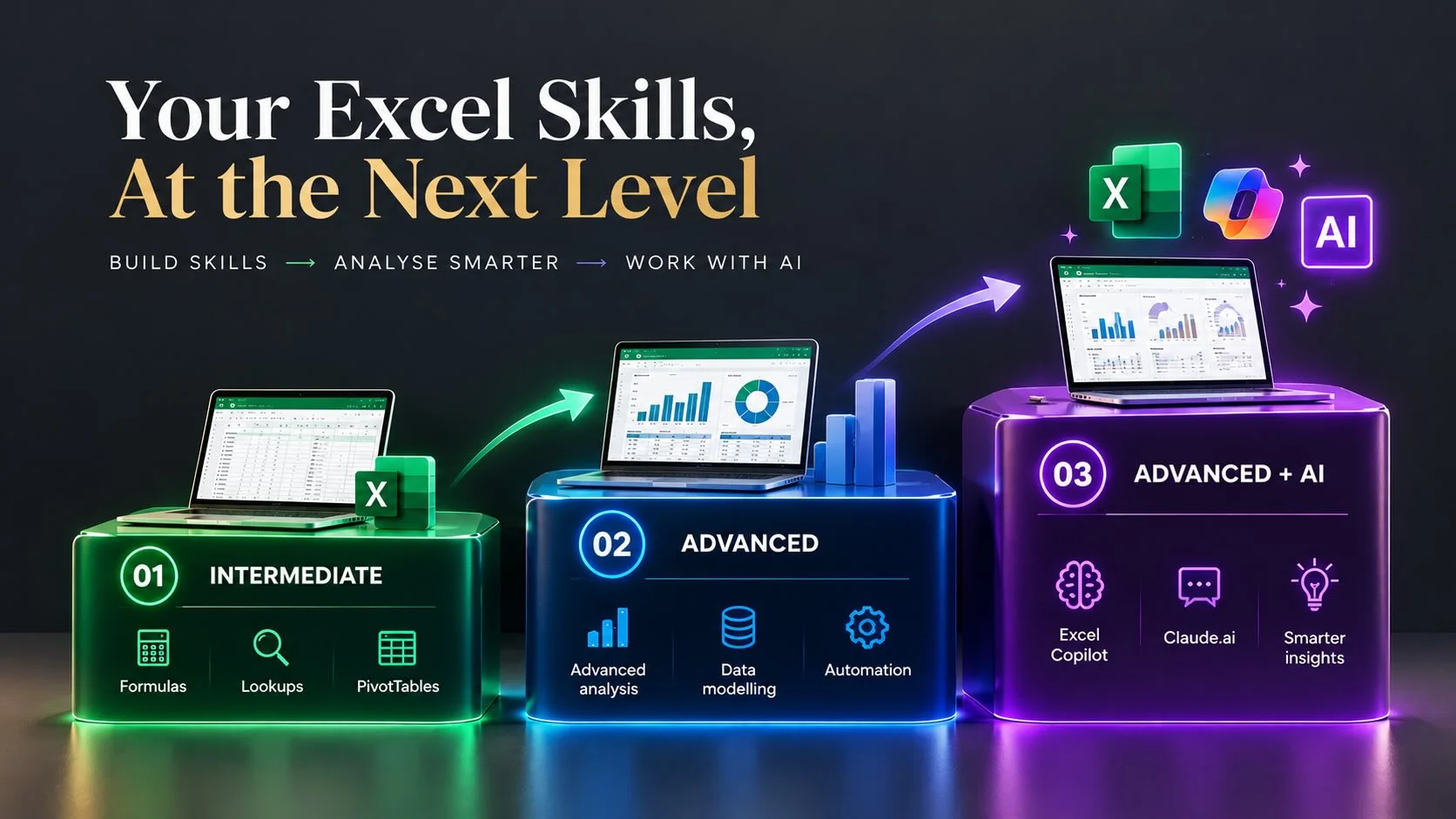
Intermediate
Build confidence with formulas, lookups, PivotTables and everyday reporting.
Advanced
Handle more complex analysis and improve the way you work with Excel.
Advanced + AI
Combine advanced Excel with Copilot, Claude.ai and AI-assisted work.
You can also explore the complete Excel Training Malaysia pathway for public and in-house training options.
Intermediate vs Advanced Excel: what's the difference?
Think about the Excel work sitting on your desk today. Are you trying to become faster and more confident with everyday tasks, or are you already comfortable with Excel and need to do more with your data?
| Area | Intermediate | Advanced | Advanced + AI |
|---|---|---|---|
| Best for | Regular Excel users building confidence | Experienced users handling more complex work | Strong Excel users ready to add AI |
| Main goal | Work faster and more accurately | Analyse data more effectively | Use Excel and AI together more effectively |
| Typical skills | Formulas, lookups, PivotTables and reporting | Advanced formulas, analysis and more complex Excel work | Advanced Excel, Copilot, Claude.ai and AI-assisted analysis |
Intermediate Excel
Advanced Excel
Advanced + AI
Which Excel level should you choose?
A simple way to decide is to think about where Excel is slowing you down at work.
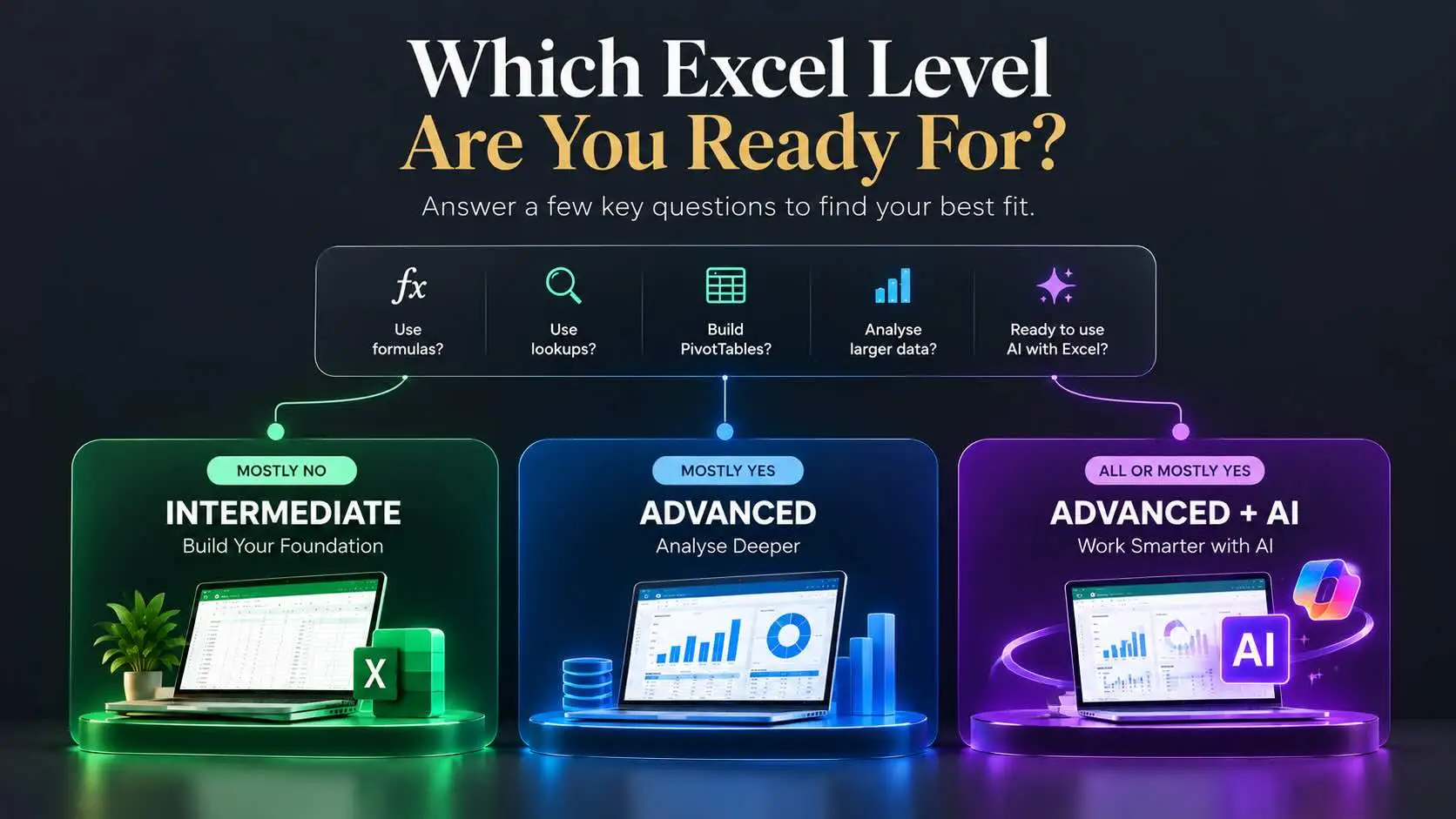
If formulas, lookups, PivotTables or recurring reports still require a lot of manual work, Intermediate Excel may be the better place to start.
If you're already confident with everyday Excel and now need stronger analysis or more sophisticated workflows, Advanced Excel may be a better fit.
If your Excel foundation is strong and you want to use Copilot or other AI tools to support analysis and reporting, Advanced Excel + AI may be your next step.
Don't choose Advanced simply because it sounds better. Choose the level that solves the problems you actually face when you open Excel at work.
Still not sure? Check your current Excel confidence.
Think about what you can do without asking a colleague, searching for a tutorial or spending too much time fixing the spreadsheet.
When should you consider Advanced Excel + AI?
AI becomes much more useful when you already understand what you are asking Excel to do.
If you're already comfortable working with Excel, tools such as Microsoft Copilot and Claude.ai can support formula work, analysis, reporting and other repetitive tasks.
So Excel + AI should not be seen as a shortcut around learning Excel. It is a way to build on the Excel skills you already have.
Advanced Excel + AI Training in Kuala Lumpur
Already comfortable with Excel and ready to go further? This two-day programme combines advanced Excel techniques with practical use of Copilot and Claude.ai.
Choosing Excel training for your team?
If you're choosing training for employees, start with what they actually do in Excel every day rather than the course title.
Does the team spend hours preparing monthly reports? Are employees manually looking up or combining information? Are they already confident Excel users who need better ways to analyse data? Or are they ready to start using AI in their workflow?
A team does not automatically need Advanced Excel just because everyone uses Excel. Matching the programme to their current capability usually makes the training more useful.
Public or in-house Excel training?
You can compare the available pathways on our Excel Training Malaysia page.
Frequently asked questions
Should I take Intermediate or Advanced Excel training?
If you still need more confidence with formulas, lookups, PivotTables and everyday reporting, Intermediate Excel may be the better starting point. If those tasks are already comfortable and you need deeper analysis or more complex Excel work, consider Advanced Excel.
How do I know if I am ready for Advanced Excel?
You should generally be comfortable with everyday Excel work and able to use common formulas, lookups and PivotTables without needing step-by-step guidance. The exact starting level will depend on the programme.
Do I need Advanced Excel before learning Excel with AI?
A strong Excel foundation helps. AI can support formula work, analysis and reporting, but you still need to understand your data and recognise whether the result makes sense.
Can companies arrange Excel training in-house in Malaysia?
Yes. In-house training can be useful when several employees share similar development needs or when training needs to be adapted to the organisation's participants and objectives.
Is Excel training HRD Corp claimable?
Selected GOFLEX EVENTS programmes are HRD Corp Claimable, subject to employer eligibility, levy availability, programme approval and current claim requirements.
Still deciding which Excel level is right?
Compare GOFLEX Excel training pathways from Intermediate and Advanced Excel to Excel + AI, public classes and in-house training.